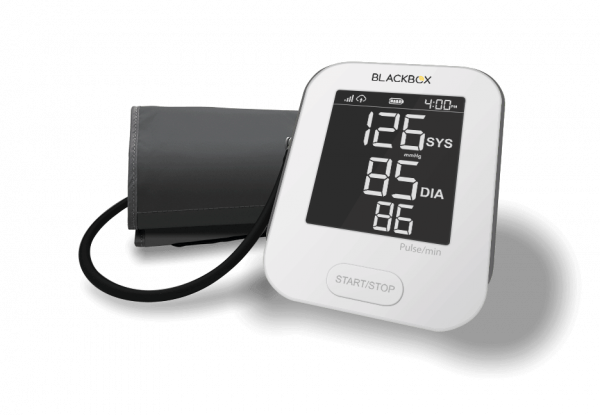
Blood pressure
The patient takes a blood pressure reading, and the monitor sends it to your RPM system.
Explore the Monitor →
How it works
The patient takes a blood pressure or weight reading. The device sends it over its built-in cellular connection, and your team reviews it in your RPM system.
How readings get to you
Two devices
The patient takes a blood pressure reading, and the monitor sends it to your RPM system.
Explore the Monitor →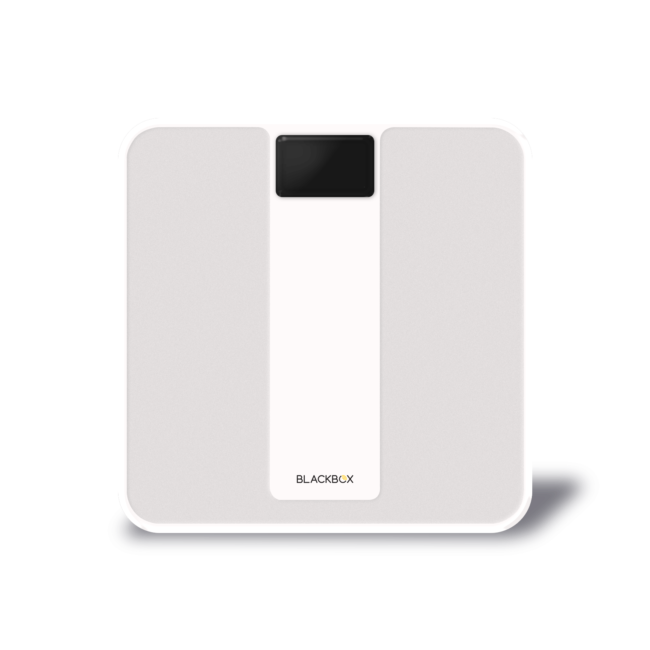
The patient steps on the scale, and the scale sends the reading to your RPM system.
Explore the Scale →Before you begin
Choose who will enroll patients, provide devices and directions, answer questions, and handle replacements or returns.
Set a schedule for readings and decide who will review them, respond to missed readings, and contact patients.
Confirm your policies for consent, privacy, documentation, billing, escalation, and clinical decisions.
Talk with BlackBox RPM
We can answer questions about the devices, cellular service, pricing, and ordering. Please do not submit patient information.
Built-in cellular connection
Each device uses its own cellular connection to send readings to the RPM system used by your team.
Cellular blood pressure and weight devices, product information, setup directions, and user guides.
Enrollment, patient directions, reading review, documentation, follow-up, and clinical decisions.